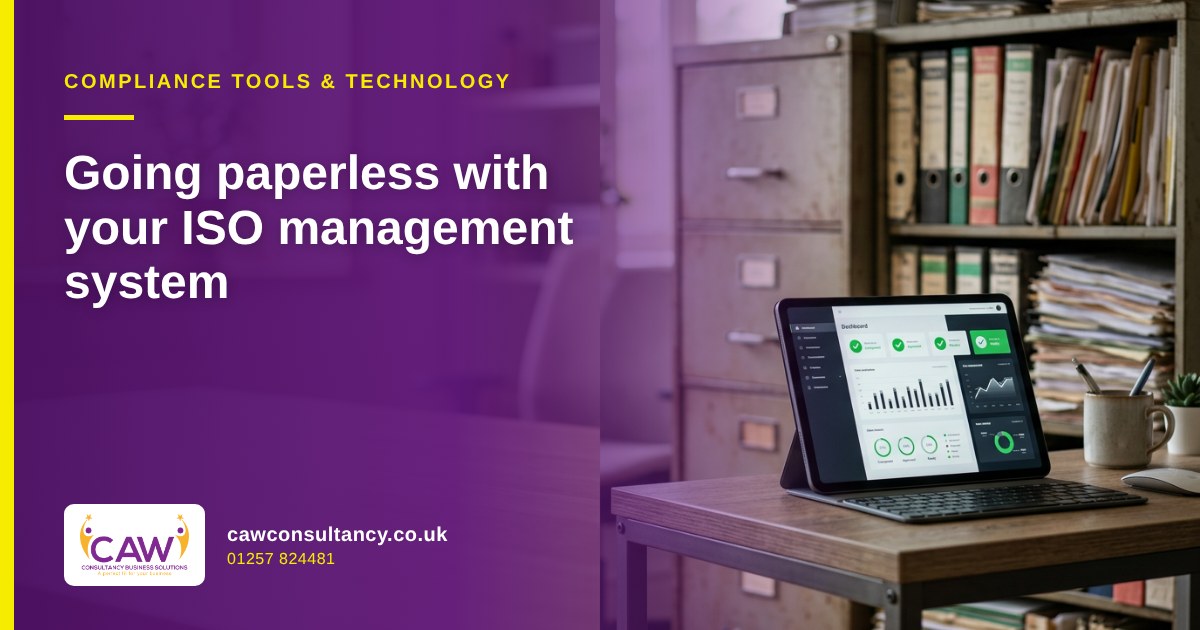
Most businesses that go paperless with their ISO management system expect it to save filing space. It does. But the bigger change is in how people find, update, and prove things on an ordinary Tuesday morning, and in what an auditor sees when they ask for evidence.
I’ve audited plenty of paper systems and plenty of digital ones. A good digital system isn’t just your old manual scanned into a shared drive. It changes who can do what, how you know you’re using the latest version, and how quickly you can answer a client’s question. This article looks at what actually changes, what doesn’t, and the few things you must get right.
What ISO 9001 asks for, paper or digital
ISO 9001 doesn’t ask for paper. It talks about “documented information”, and the CQI explains that this can be in “any format, any media”, whether paper, electronic, or photographic. ISO 9001:2026 was published on 16 September 2026. ISO says the new edition “adopts the latest Harmonized Structure for ISO management system standards”, and BSI notes that “the structure and core principles remain”. The requirements are still found in clause 7.5 (documented information), within the support section of the standard.
In broad terms, the standard expects you to control your documented information so that the right version is available where and when it’s needed, it’s protected, changes are controlled, and records are kept and disposed of properly. None of that depends on paper. A digital system can actually make most of it easier to show.
If you’re working through the new edition, my post on ISO 9001:2026 transition training covers what certified organisations need to know.
Before and after: a typical week
Here’s how some everyday tasks tend to look before and after a well-built paperless system.
| Task | Paper or shared-drive system | Paperless management system |
|---|---|---|
| Finding the current procedure | Search a folder, hope the file name says “final” | One live version, older versions archived automatically |
| Updating a form | Edit, print, recall old copies from sites | Edit once, approve, everyone sees the new version |
| Staff signing they’ve read a policy | Paper sign-off sheets, often missing | Read-and-acknowledge recorded against each person |
| Logging an incident or complaint | Paper form passed around, sometimes lost | Logged on a phone or tablet, routed to the right person |
| Chasing overdue actions | Spreadsheet someone updates when they remember | Automatic reminders and an overdue list |
| Preparing for an audit | Days gathering files | Evidence in one place, reports in minutes |
The point isn’t that paper can’t work. It’s that paper relies on people remembering to do things. A digital system builds the reminders and controls into the way work gets done.
Document control without the version chaos
One of the most common nonconformities I raise in small businesses is uncontrolled documents: an old form in a site folder, a procedure with three different issue dates, or a policy nobody can find. It’s high on my list of top 10 nonconformities in SMEs.
A paperless system should fix this by design. Each document has an owner, a version number, an issue date, and an approval step. When a document is updated, the old version is withdrawn from use but kept for reference. Staff only ever see the current version.
One practical tip: decide your rules before you migrate. When does a version number change? Who approves what? My own rule is that version and issue date change only when the content changes, not every time someone reviews a document and finds it still fits. Agree your approach, write it into your document control procedure, and apply it consistently.
Records, retention, and UK GDPR
Records are your evidence: training records, inspections, audits, complaints, corrective actions, and so on. Going paperless makes them easier to search, but it also makes it very easy to keep everything forever. That’s a problem if the records contain personal data.
The ICO’s guidance on the storage limitation principle is clear: “You must not keep personal data for longer than you need it.” UK GDPR doesn’t set specific time limits for different types of data, so you need a policy setting standard retention periods wherever possible, a periodic review, and a way to erase or anonymise data you no longer need.
Some retention periods are set by other rules. For example, GOV.UK says limited companies must keep company and accounting records for 6 years from the end of the last company financial year they relate to, or longer in some circumstances. Build a retention schedule that covers each record type, and set your system to flag records when they’re due for review or deletion. That’s where digital really helps, because a paper archive never reminds you.
For more on data protection basics, see my GDPR guide for small businesses.
Backups, access control, and audit trails
Going paperless moves your risk. You’re less exposed to a lost folder and more exposed to a lost laptop, a deleted file, or a cyber attack. Three areas need attention, and I’d add a fourth.
Backups
The NCSC’s small organisations guide on backing up your data recommends making a backup of all the data your business needs to operate, and suggests considering both online (cloud) and a storage device to create two backups. It also stresses knowing how to restore your data and checking that the backup contains everything important. If your management system is hosted for you, ask the provider how it’s backed up and how you’d get your data back.
Access control
Give people access to what they need and no more. Office staff may edit procedures; site staff may only read them and submit forms. Remove access promptly when someone leaves. Use strong passwords and two-step verification on the accounts that matter. My post on cybersecurity basics for SMEs covers the essentials.
Audit trail
This is one of the biggest wins. A good digital system records who created, changed, approved, or viewed a record, and when. In my experience, auditors and clients find that far more convincing than a signature on a sheet of paper, and it protects you if a record is ever questioned.
Mobile access
If your people work on sites, the system has to work on a phone. If it doesn’t, they’ll go back to paper or WhatsApp, and you’ll lose the control you were trying to gain.
Getting the move right
A few lessons from systems I’ve seen migrated well:
- Tidy up before you move. Don’t migrate five years of out-of-date forms.
- Map your processes first, then build the system around how your business actually works.
- Move in stages, starting with the documents and forms people use most.
- Train staff on the new way of working, not just the software.
- Run an internal audit a few months after go-live to check it’s being used properly.
Two ways CAW can help
There are two routes, depending on what you need.
CAW Digital builds bespoke paperless management systems around how your business works, rather than forcing you into a generic template. It’s a one-off cost of £999, with no subscription.
Compliance Master is a compliance management platform with dashboards, staff screening, training management, and automated reminders. It suits businesses, especially in security, that want people compliance and document control in one place. You can read more in my introduction to Compliance Master.
FAQs
Does ISO 9001 allow a fully paperless management system?
Yes. ISO 9001 refers to documented information and doesn’t require paper. What matters is that it’s controlled, available when needed, protected, and kept for the right length of time.
Which clause of ISO 9001:2026 covers documented information?
Clause 7.5 (documented information). ISO 9001:2026 adopts the latest Harmonized Structure for ISO management system standards, which makes it easier to integrate with other management system standards such as ISO 14001.
How long should we keep electronic records?
It depends on the record. Some periods are set by law, such as company and accounting records, which must be kept for 6 years from the end of the last company financial year they relate to. For personal data, UK GDPR says you must not keep it longer than you need it, so set and document retention periods.
Are electronic signatures and approvals acceptable to auditors?
In my experience auditors are generally comfortable with electronic approvals, provided the system clearly records who approved what and when, and access is controlled so approvals can’t be faked.
What’s the biggest risk when going paperless?
Losing data. Make sure your system is backed up, you know how to restore it, and access is limited to the right people.
Ready to leave the lever-arch files behind?
If you’d like help moving your management system online, or want to know whether your current setup would stand up to an audit, get in touch. CAW Consultancy can review your documentation and help plan the move, and our gap analysis is free.
Call 01257 824481, email Craig@cawconsultancy.co.uk, or visit www.cawconsultancy.co.uk. You can also visit CAW Digital for bespoke paperless systems or Compliance Master for compliance management.
Sources
- ISO launches update to world’s most widely used quality management standard (ISO, September 2026)
- ISO 9001:2026 (ISO)
- ISO 9001:2015 documented information (CQI)
- BS EN ISO 9001:2026 (BSI Knowledge)
- Principle (e): Storage limitation (ICO)
- Running a limited company: company and accounting records (GOV.UK)
- Backing up your data, small organisations guide (NCSC)
Craig Willetts is the founder of CAW Consultancy Business Solutions Ltd and a UK lead auditor with over 20 years’ experience across ISO management systems and UK security industry schemes.


Leave a Reply